Efficiency: The legacy system relied on 24 separate Access database files, each manually updated with annually maintained rules and occasional mid-year adjustments. I consolidated this process into a single, streamlined Excel VBA script that now handles all reporting types—forecast, actuals, plan, and ad hoc—significantly reducing manual effort and processing time.
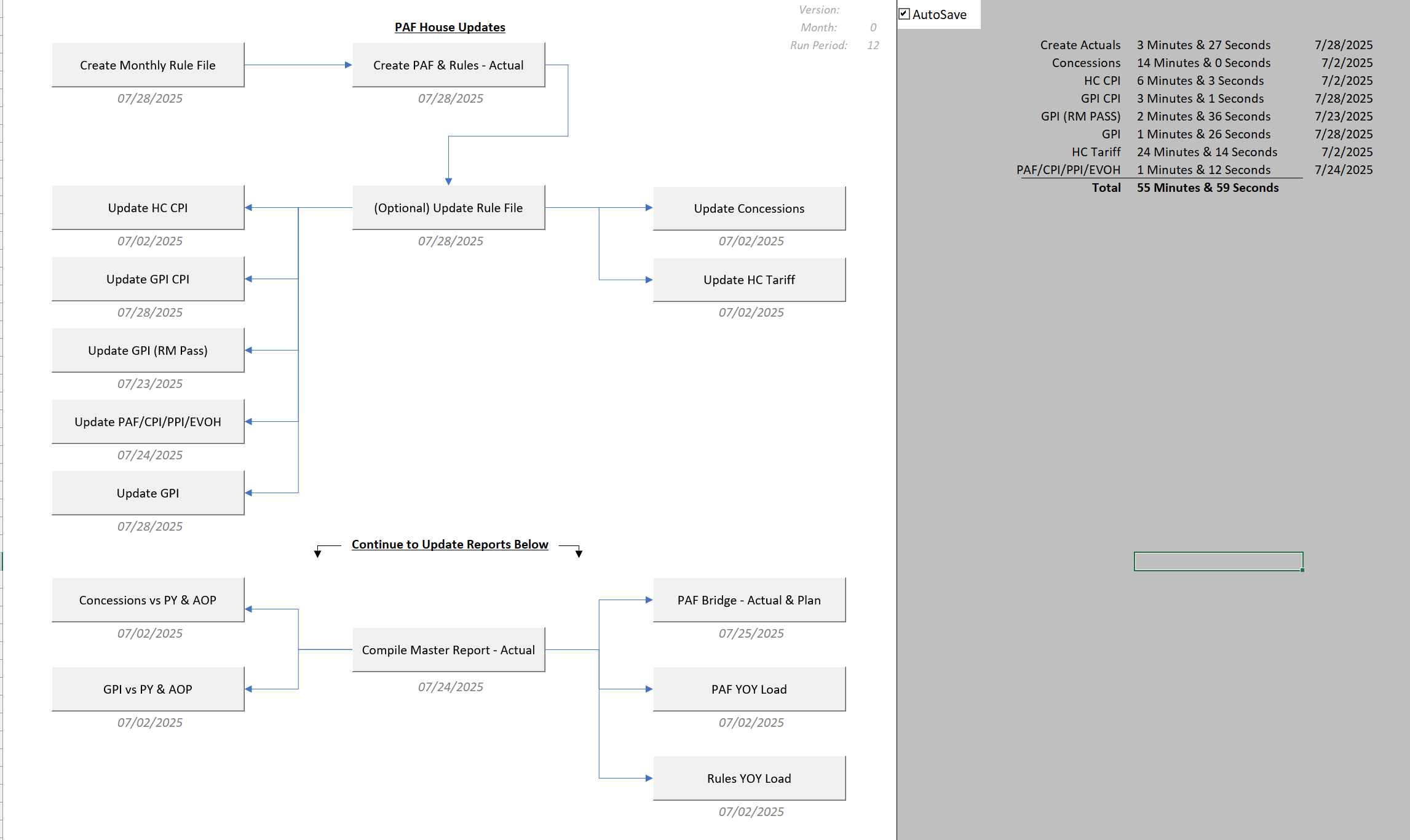
This Excel worksheet is setup to have a simple flow to generating the data (top section) to creating reports off generated data. Different options are available when running – such as setting a specific version (Ex: running a specific customer), adjusting the run month (rerun past reports, adjust month by -x), and finally a run period.
Reliability: The VBA script has operated flawlessly for over a year, because of a well-structured variable setup and consistent calculation logic. All reporting types share the same calculation framework, minimizing discrepancies and reducing the potential for user error through minimal required input.
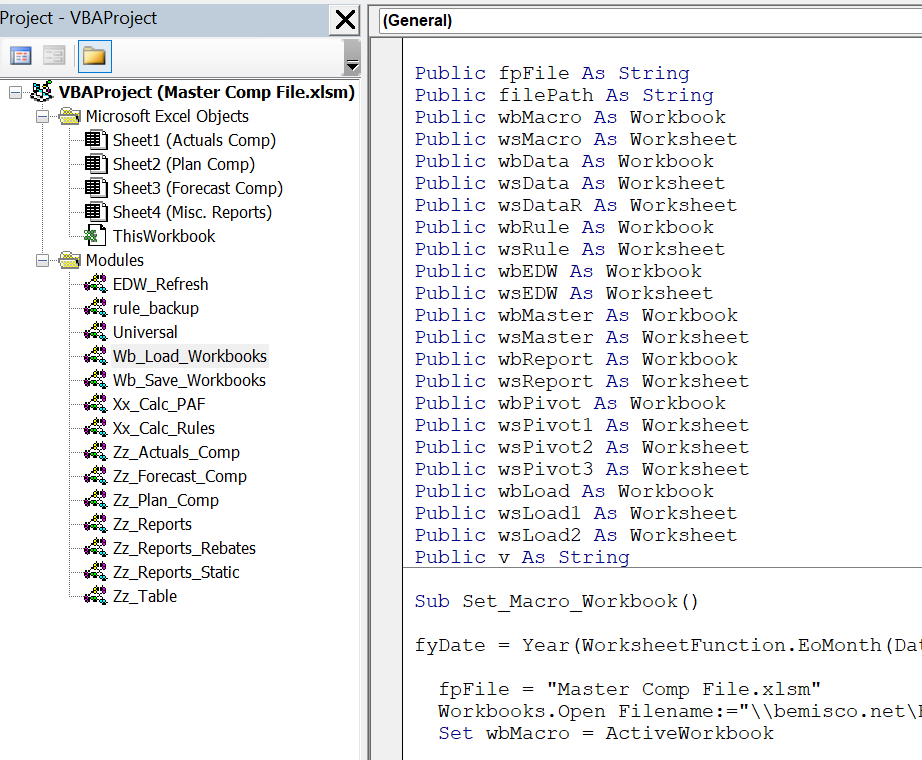
Public variables are defined so they can be used across different modules. This allows a variable to be set and shared through all calculations during the running script.
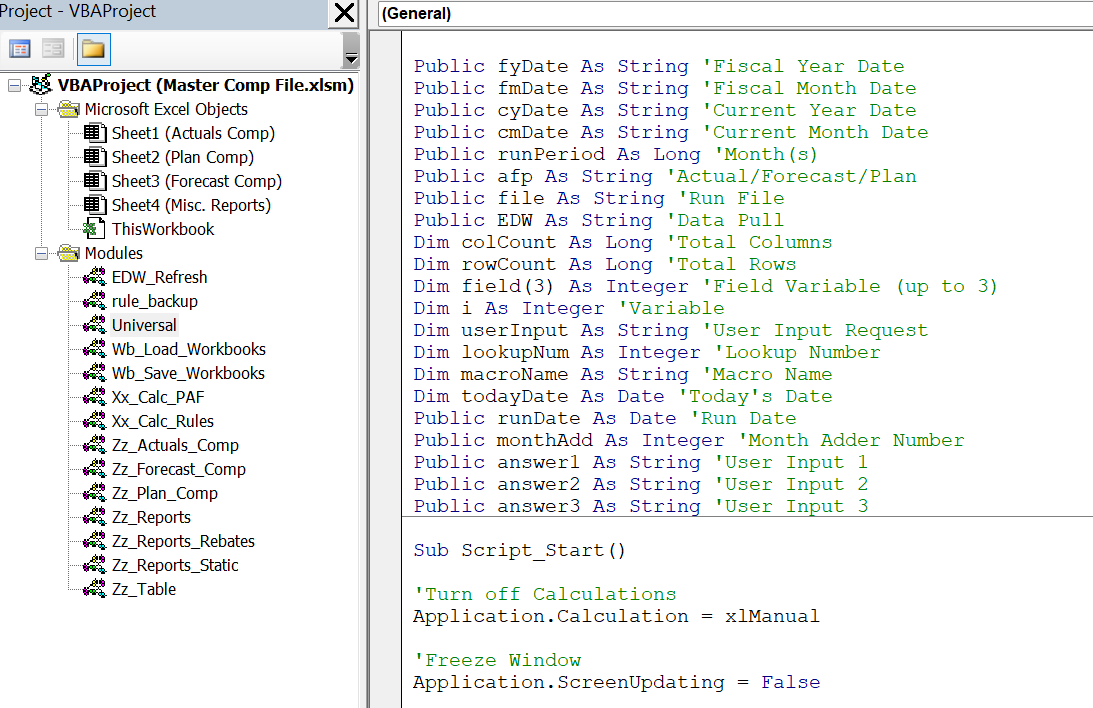
Adjustability: Centralizing the script and defining all variables at runtime allows for seamless updates. Any changes to calculations or variables automatically distribute across all reporting outputs, ensuring consistency and simplifying maintenance.
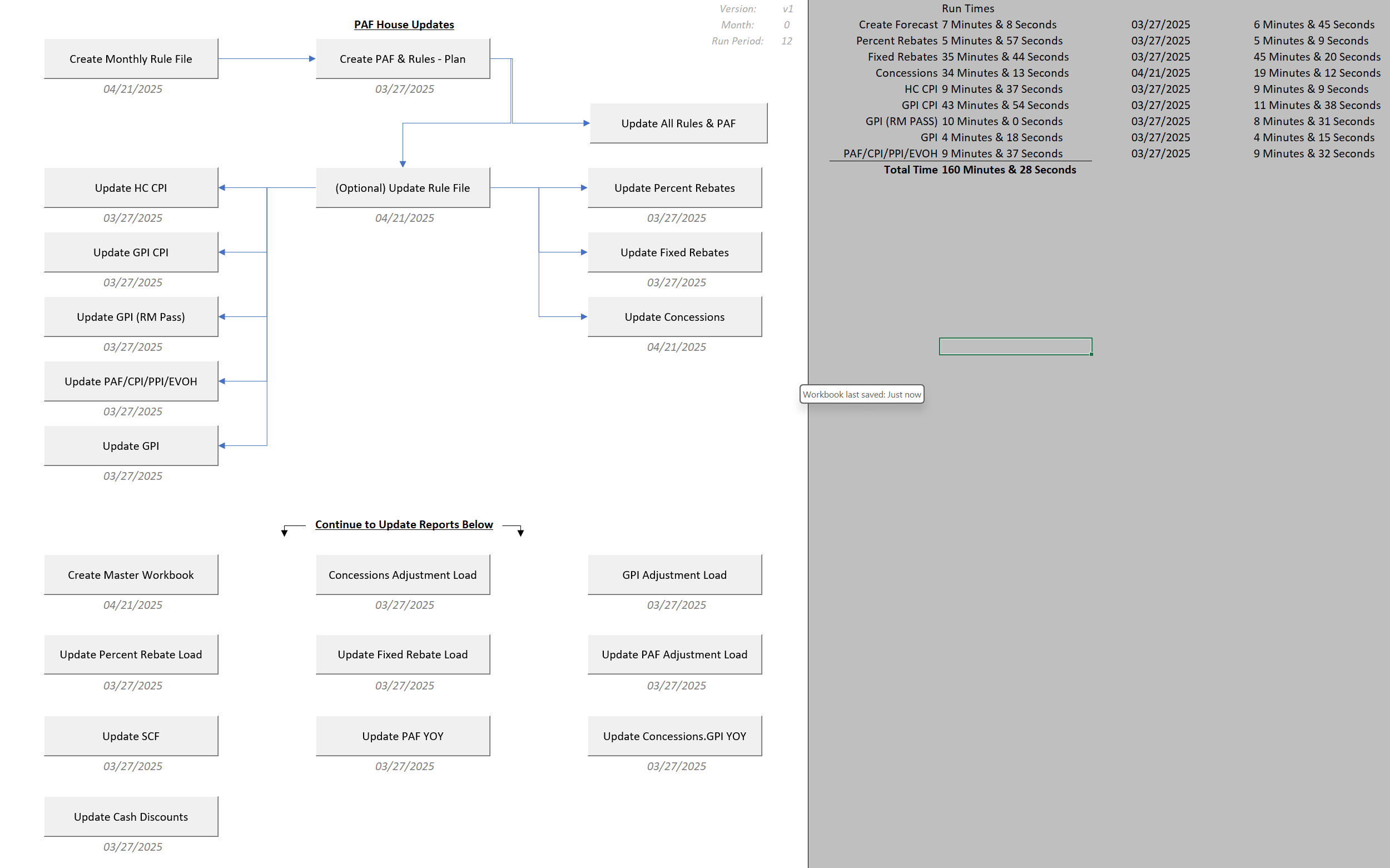
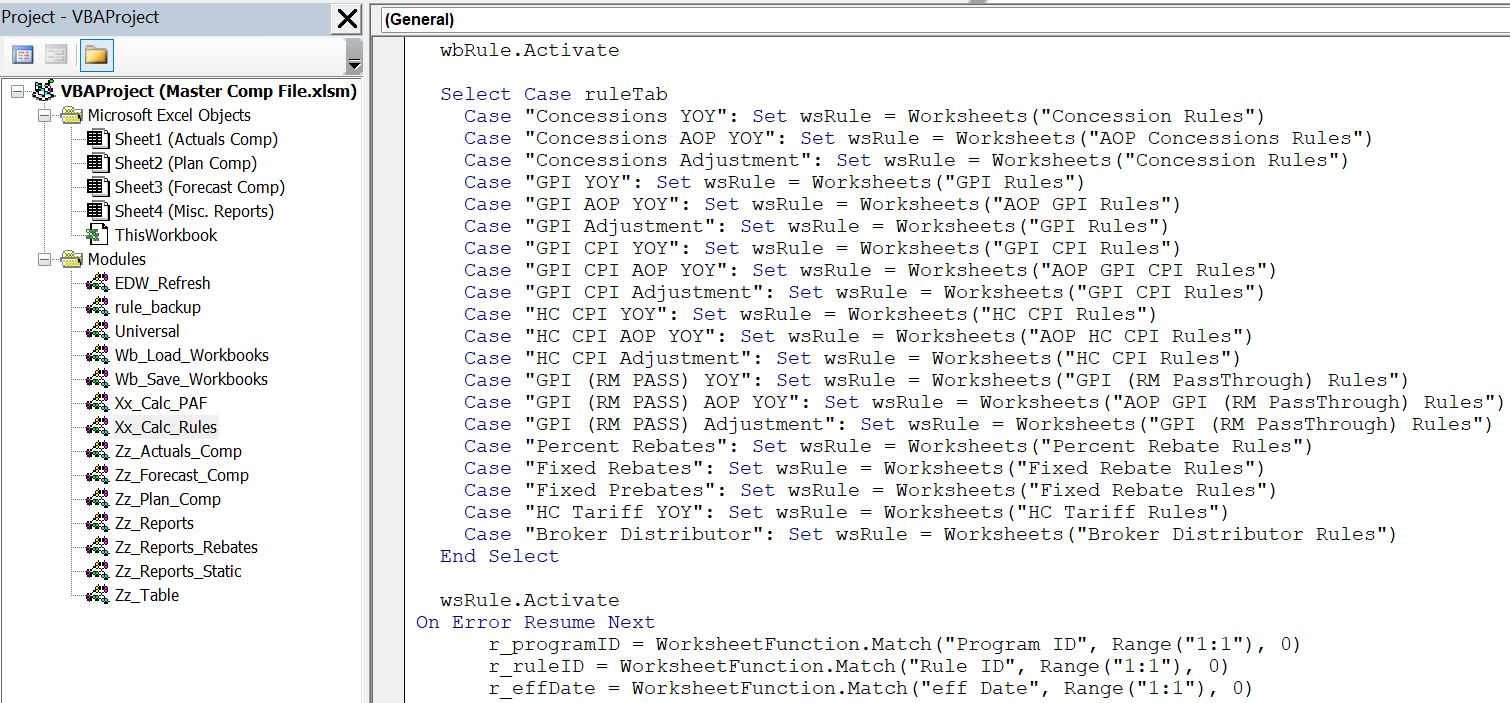
Expandability: Previously, adding new reporting elements required building and integrating additional databases—an error-prone and time-consuming process. In the current system, new metrics can be introduced by defining just three variables. These plug directly into the existing framework, enabling rapid expansion without compromising reliability or structure.
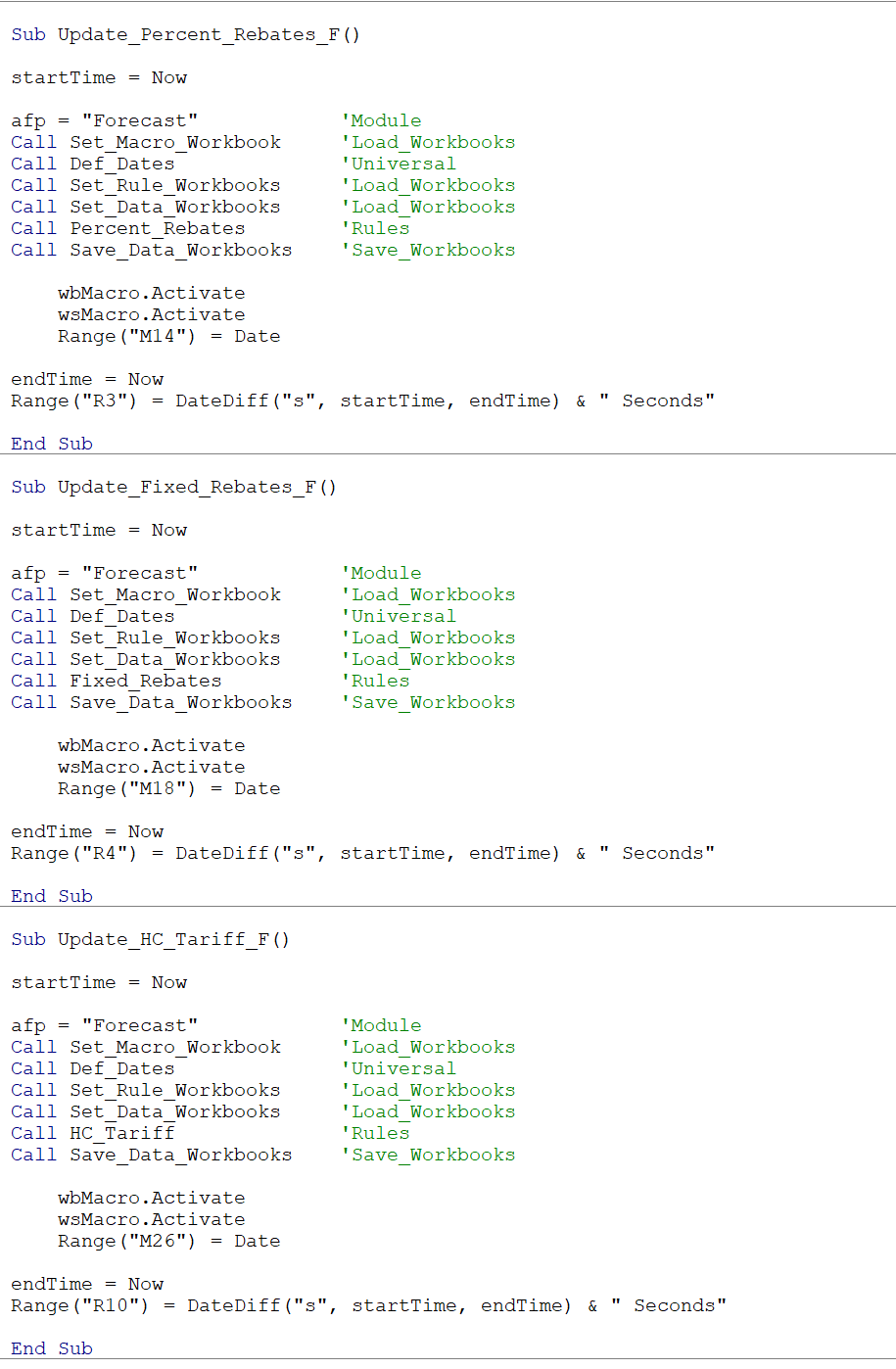
Setting up a new calculation involves defining a few new variables. For instance, if HC_Tariff is setup – A new Sub will be setup specifically to run HC_Tariff. Within this Sub, all shared variable metrics are defined. From there, the script can be ran and will share calculations when applicable. Otherwise, new calculations can be setup for unique cases.